Emoji shortcuts, autocomplete & Mac tips
Practical guides for typing :emoji: faster on your Mac.


Comoji 1.4.0: VoiceOver Support and Lizard Stickers
Comoji 1.4.0 reads suggestions aloud with VoiceOver, adds 20 original lizard stickers to /sticker, and brings a redesigned Preferences window with Help.
Read more →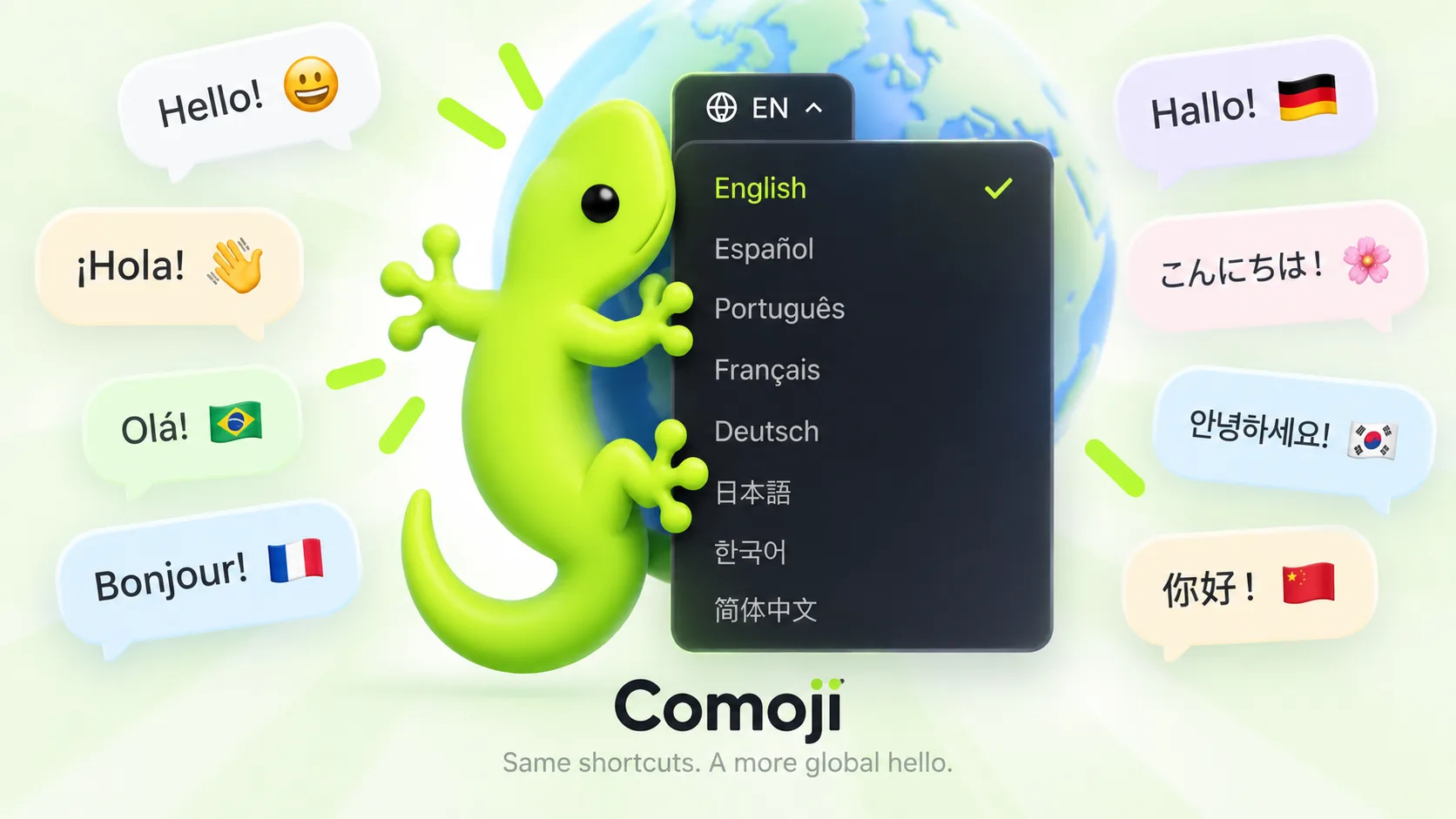
Comoji 1.3.0 Now Speaks Eight Languages
Comoji 1.3.0 adds Spanish, Portuguese, French, German, Japanese, Korean, and Simplified Chinese. The app follows your Mac’s language automatically.
Read more →
Introducing Comoji Supporters: Hide Promotions for $1.99
An optional $1.99 one-time license removes Comoji’s picker promotions. Emoji autocomplete, stickers, GIFs, and every other feature stay free.
Read more →Secure Input Is On: What the Lock on Comoji’s Icon Means
Why Comoji shows a lock badge and a Secure Input Is On menu item, what macOS secure input does, and how to clear it when an app leaves it stuck on.
Read more →macOS Emoji Picker Not Working: 8 Things to Check
Control-Command-Space doing nothing? Eight reasons the macOS emoji picker won’t open or insert, from a claimed hotkey to secure fields, and each fix.
Read more →Mac Emoji Shortcuts: The Complete List
Every emoji shortcut on a Mac in one place: the Control-Command-Space combo, the Globe key, colon shortcodes, and one set that works in every app.
Read more →Customize the Emoji Popup: Theme and Highlight Color
Set the Comoji suggestion popup to System, Light or Dark, and pick its highlight color: Comoji lime, your Mac’s accent, six presets, or any custom color.
Read more →How to Verify Comoji Never Sends Your Keystrokes Anywhere
A HOWTO for checking the “everything is local” claim yourself, with the exact Terminal commands to watch what a Mac menu bar app does on the network.
Read more →Raycast Emoji Picker: How to Use It (and When to Skip It)
How the Raycast emoji picker works on a Mac: the hotkey, search and paste, the colon trigger inside Raycast, and when typing-time autocomplete fits better.
Read more →Colon Emoji and Shortcodes on a Mac: The :fire: Syntax
What colon emoji and shortcodes (the :fire: syntax) are, where the names come from, and how to type them in every app on your Mac with Comoji.
Read more →Free Text Expanders for Mac: Text Replacements vs espanso
Apple Text Replacements and espanso are the free text expanders for Mac. What each costs you in upkeep, and a faster way to expand :emoji: than either.
Read more →Notion Emoji Shortcut: Type a Colon in Any Block (Mac)
How to add emoji in Notion on a Mac with its built-in :colon menu and page icons, plus Slack-style colon shortcuts that work in every app.
Read more →How to Add Emoji in Google Docs: 3 Built-In Ways
Add emoji in Google Docs with :cat, @emoji or Insert > Symbols > Emoji. See the steps and the preference to check when the colon shortcut does not work.
Read more →Insert Emoji in Outlook for Mac: Shortcut & Menu
Insert emoji in Outlook for Mac with Control-Command-Space or Edit > Emoji & Symbols. Follow the steps to search and add an emoji to your email draft.
Read more →macOS Emoji Picker: Built-In vs 10 Alternatives
Compare the built-in macOS emoji picker with Comoji, Rocket, Raycast and more. Choose a free picker, colon autocomplete or a tool for symbols and GIFs.
Read more →How to Use Emoji Shortcuts on X (Twitter) on a Mac
Add emoji to a post on X from a Mac: the composer’s smiley button, the Control-Command-Space panel, or colon shortcuts that keep your hands on the keys.
Read more →Open the Emoji Keyboard on Mac: 4 Ways
Open the Mac emoji keyboard with Control-Command-Space, Fn-E or the Edit menu. Learn the Globe key setting and the menu-bar option if you prefer a click.
Read more →How to Type Emoji on a Mac: 4 Ways (Shortcuts Included)
Four ways to type emoji on a Mac: the Control-Command-Space shortcut, typing a word then Globe-E, Text Replacements, and Slack-style colon autocomplete.
Read more →How to Send GIFs in Messages on a Mac: 2 Ways
Use the built-in #images search behind the Apps button, or type /gif to search GIPHY from the keyboard. Both ways to send GIFs in Messages on Mac.
Read more →Sticker Picker for iMessage on Mac: Search and Send
iMessage on a Mac buries stickers in a mouse-driven drawer with no search. Type /sticker, search by keyword, and send one without leaving the keyboard.
Read more →How to Use Discord-Style Emoji Shortcuts Anywhere on Your Mac
Discord’s colon shortcuts and server emoji stop at the Discord window. Here’s how to keep typing :fire: and :joy: in Messages, Mail and every Mac app.
Read more →How to Make Emoji Text Replacements on a Mac, and Their Limits
Set up macOS Text Replacements so :fire: becomes 🔥, step by step, then see where they stop scaling and when colon emoji autocomplete does the job better.
Read more →How to Add :emoji: Autocomplete to Apple Messages
iMessage on the Mac has no Slack-style colon emoji autocomplete. Here’s how to add it to Apple Messages so :liz becomes 🦎 with a single Tab.
Read more →How to Use Slack-Style Emoji Shortcuts Anywhere on Your Mac
Install a system-wide colon autocomplete app and :fire: and :joy: work in Messages, Mail, Notes and every other Mac app, not just Slack.
Read more →